Dreamina AI for Social Media Creators: A Practical Workflow
Creators do not need more AI tricks; they need a workflow that turns an afternoon into a week of posts without the work looking generated-by-committee. Dreamina AI on your phone fits that workflow unusually well because it covers the whole chain — images, video clips, animation of stills, canvas finishing — and this guide assembles the chain into a repeatable system.
You will plan in series, build cover discipline, animate stills into feed-stopping posts, and batch production into one sitting, with quality and honesty rules that keep the system an asset to your name rather than a slow leak in it.
Adapt the volumes to your platform and cadence. The system's shape survives scaling down to three posts a week as happily as it serves fifteen.
Plan in Series, Not in Posts
A series — one theme, one style, five subjects — outperforms five unrelated inspirations because each post markets the others and your profile reads as a body of work. Decide the series on paper in minutes: theme, visual treatment, shape per platform, the five subjects in order.
Series also discipline generation. With subject and style fixed in advance, your prompts shrink to the variable that changes, sessions speed up, and consistency stops depending on your memory.
Covers and First Frames Earn the Click
On video platforms the cover or first frame is the entire advertisement. Build it deliberately: generate or select the still, finish it on the canvas at the platform's shape, keep one face or object large enough to read at thumbnail size, and reserve quiet space for the title text you will add in your editor.
Judge covers at actual thumbnail size, ruthlessly. A cover that needs its full size to make sense is a poster, not an invitation, and feeds scroll past posters. The canvas method is in the Dreamina AI canvas and editing tools guide; covers are its most commercial hour.
Animate Stills Into Posts
Your existing photos and graphics are a content reserve: animate the product shot, the portrait, the illustration, and yesterday's still becomes today's moving post. Small motions — a push-in, drifting light, rising steam — outperform ambitious animation in feeds, because they read as polish rather than as a tech demo.
Keep a folder of animatable stills as you create them. The image-to-video discipline — motion-only prompts, small ambitions for faces — is detailed in the image-to-video guide for Dreamina AI, and creators are its most natural power users.
Batch the Production Afternoon
Generate the week's images and clips in one sitting while your style decisions and prompt recipes are loaded in your head. Batching removes the daily cold start, keeps the series consistent, and converts content from a daily anxiety into a weekly appointment.
File as you finish: date, platform, shape in the filename, prompt saved beside the asset. Publishing days then become selection and captioning — the parts that actually benefit from being done fresh.
Captions, Sound, and the Human Layer
AI makes the visual; your voice makes the post. Captions in your own words, music chosen for your audience, and replies to comments in your own person are the trust layer no generator supplies, and audiences can tell the difference at a glance.
Use generation to multiply your presence, not to replace it. The creators who thrive with these tools are visibly more themselves in the finished feed, because the mechanical hours were handed to the machine and the human hours were reinvested in the parts only they can do.
Quality Gates Before Publishing
Inspect hero content at full size: hands, faces, text, edges. The near-miss that charms in private reads as carelessness in public, and a single visible flaw reprices the polish of the whole series around it.
Hold an honesty line with the same firmness: no generated imagery presented as real events, real testimonials, or real evidence. Label where platforms or conscience require it. The workflow's speed is a business asset only while the audience's trust survives it — the comparison with a pure editor in this library's CapCut guide turns partly on exactly this division of labour.
Read the Numbers Monthly
Let the platform's analytics tutor the system: which series earned saves, which covers earned clicks, which animated stills were rewatched. Change one variable per month — subject family, cover style, posting shape — so the lessons stay attributable.
A workflow that learns monthly compounds quietly into an advantage competitors cannot copy by buying the same app, because the asset is not the tool. It is your tuned system around it.
Series planning, deliberate covers, animated stills, one batching afternoon, human captions: the system is unglamorous and durable, because feeds reward rhythm and recognisability over occasional brilliance.
Start with one series of five. The second series is where the system starts paying you back, and it arrives sooner than you think.
Let one post a month be unmeasured play: a strange series idea, a style you have no business using, published without a strategy. Systems that never play optimise themselves into a local maximum and stay there, polished and stuck; the play post is how yours keeps a door open to its next level.
Protect the series bible — theme, treatment, shapes, recipes — as a document, not a memory. Assistants, collaborators, and future you all produce better work from a written system than from an inherited vibe.
Related Articles
How to Update Dreamina AI to the Latest Version
Update Dreamina AI on Android in place: check the version, keep your projects safe, verify with a familiar generation, and fix stalled updates.
Read More →
Dreamina AI Text-to-Image Guide: From Words to Pictures
Create images from text in Dreamina AI: prompt structure that works, style and ratio choices, and the iteration loop behind every good result.
Read More →
Dreamina AI Text-to-Video Guide: Your First AI Clips
Create video from text in Dreamina AI: prompts that describe motion, camera language, duration and ratio choices, and fixing clips that drift.
Read More →
Dreamina AI Prompt Tips for Better Results Every Time
Prompt craft for Dreamina AI images and video: ordering, specificity, negative guidance, style anchoring, and the iteration notebook that compounds skill.
Read More →
Image-to-Video in Dreamina AI: Animate Your Photos
Turn still photos into moving clips in Dreamina AI: which photos animate well, describing motion, keeping faces stable, and creative uses that work.
Read More →
Dreamina AI Canvas and Editing Tools Guide
Use the canvas editor in Dreamina AI: expand images, retouch regions, remove distractions, and blend generations into finished compositions.
Read More →
How to Upscale and Enhance Images in Dreamina AI
Upscale AI images for print and large screens: what enhancement can and cannot add, preparing files, checking results, and avoiding plastic over-processing.
Read More →
Dreamina AI Credits Explained Simply
How credits work in AI generation apps like Dreamina AI: what consumes them, why video costs more than images, and habits that stretch a balance.
Read More →
Dreamina AI Video Not Generating? Fixes That Work
When Dreamina AI video generation fails, stalls, or returns errors: queue and connection checks, prompt causes, credit checks, and when to simply retry.
Read More →
Dreamina AI vs CapCut: Which Should You Use?
Dreamina AI generates footage; CapCut edits it. An honest comparison of generation versus editing, and the workflow that uses both in sequence.
Read More →
Product and Marketing Visuals With Dreamina AI
Create product and marketing visuals with Dreamina AI: hero images, lifestyle scenes, animated listings, and the honesty rules for commercial work.
Read More →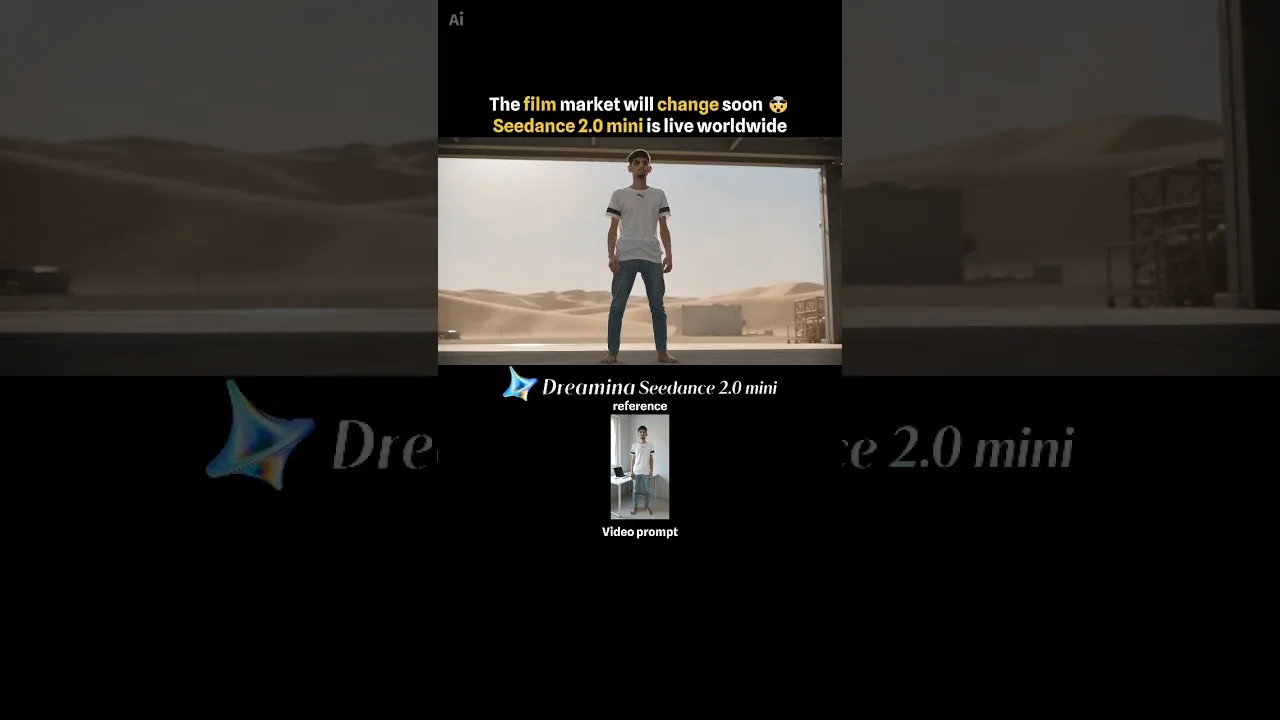
Dreamina AI on Low-End Phones: What to Expect
Use Dreamina AI on a budget Android phone: what runs on the service, what taxes your device, data and storage habits, and settings for smooth sessions.
Read More →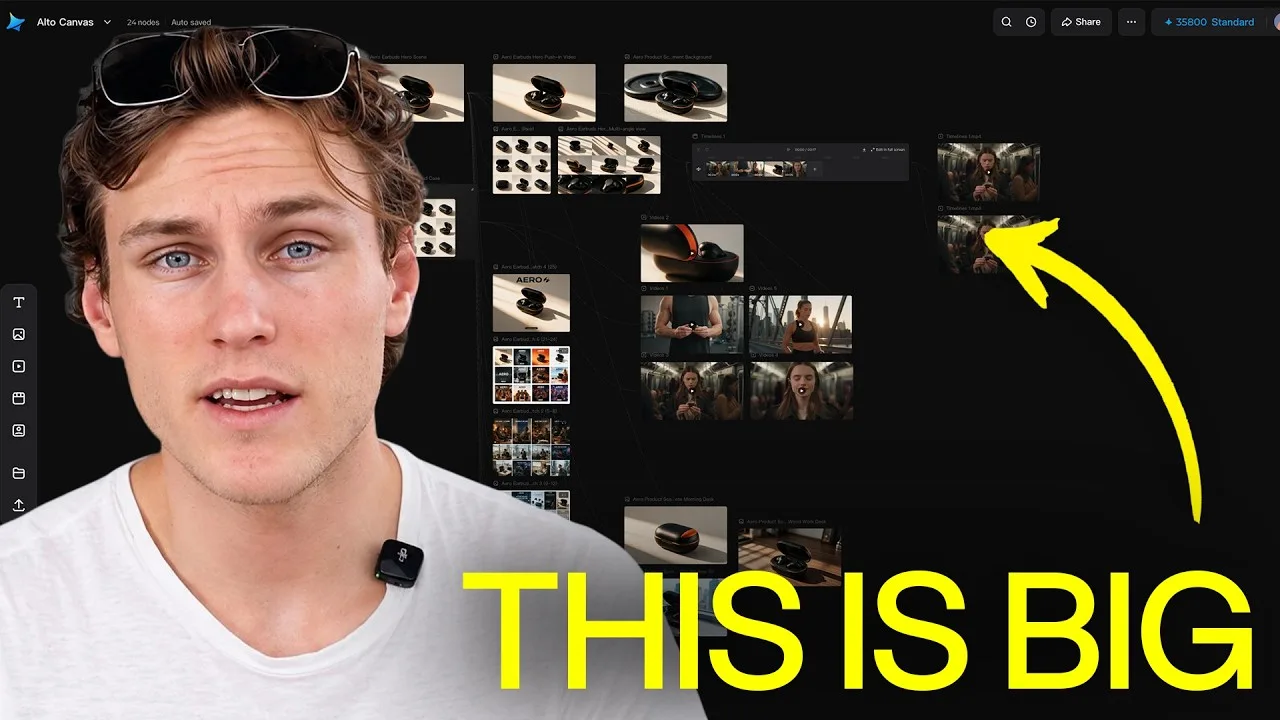
Dreamina AI Common Questions Answered
Plain answers about Dreamina AI: images versus video, credits, quality, rights, CapCut's role, and what to try when generations disappoint.
Read More →
How to Install Dreamina AI on Android Phones and Tablets
Learn how to install Dreamina AI on Android with simple steps, setup tips, and common checks before opening the app for the first time.
Read More →
Dreamina AI Features Guide for Android Users
Explore the main Dreamina AI features on Android, including prompt-based creation, image editing, and practical creative uses.
Read More →
Dreamina AI Device Compatibility Guide for Android Users
Find out which Android devices are best suited for Dreamina AI and what to check before installing the app on phones or tablets.
Read More →
Core Creative Functions in Dreamina AI Explained
Understand the main creative functions in Dreamina AI, from text prompts and image editing to visual drafting and design-focused use.
Read More →
Dreamina AI Not Working Common Problems and Fixes
Learn the common Dreamina AI problems on Android and the simple fixes that can help with installation, loading, and basic app performance.
Read More →
Best Ways to Use Dreamina AI on Mobile More Effectively
Discover practical ways to use Dreamina AI on mobile for better prompts, cleaner workflows, and more useful creative results.
Read More →