Dreamina AI Common Questions Answered
A tool that turns sentences into films attracts a predictable set of first questions, because several unfamiliar ideas arrive together: generation versus editing, credits, why one clip sings and the next smears, and what you may do with the results. This page answers the questions Dreamina AI creative platform users ask most, plainly and in one place.
Deeper guides stand behind many answers; this page is the index, they are the library. If your question is really a failure — something that worked yesterday and refuses today — the fixes guides will serve you faster than this overview.
Where an answer depends on current plans or terms, the page says so rather than embalming numbers that will change.
Generation Basics
What does the app actually make? Images from text, videos from text, videos from your images, and edited, expanded, enhanced versions of all of the above. What does it not make? Finished, captioned, soundtracked posts — that assembly layer belongs to editors, as the comparison guide in this library explains.
How long does a video take? Images usually land in moments; video queues behind real computation and can take minutes, longer at busy hours. Patience calibrated to the medium is part of the craft. Starting points for your first pieces are in the Dreamina AI text-to-image guide and its video sibling.
Credits and Cost
Why credits? Because generation is rented computation, and credits are its meter. Video costs more than images because a clip is hundreds of frames that must agree with each other. Do free allowances exist? Typically yes in some form — check the app's current screens for the live figures, and learn on the allowance deliberately.
How do I spend less? Draft at light settings, approve stills before animating them, edit on the canvas instead of re-rolling whole images, and keep a prompt notebook so successes repeat instead of being repurchased. The credits guide in this library turns those habits into a system.
Quality Questions
Why did my clip morph and smear? The scene asked for more than the medium stages reliably: too many elements, too much action, too long a duration. Simplify to one subject and one action and the same model suddenly looks talented. Why is the text in my image garbled? Because lettering remains a known weakness — generate the art, add real text in an editor.
Why do faces change during a video? Motion spends identity; smaller movements and shorter clips preserve it. The image-to-video guide's face discipline — blink-and-smile ambitions — exists because of exactly this question. Its methods are collected in the image-to-video guide for Dreamina AI.
Rights and Use
Can I use creations commercially? Generally the service's terms permit broad use of your outputs, but terms are living documents — read the current ones before building a business on any output, and follow your marketplace's disclosure rules for AI imagery where they apply.
Can I animate anyone's photo? Only with the rights and, for real people, the consent the situation deserves. Making a person appear to act beyond what they did is fabrication, whatever the tool's ease. Your own products, your own face, your own artwork: those are the clean materials. Begin creating through the Dreamina AI download page once the ground rules feel clear.
Dreamina and CapCut
Are they the same thing? No — siblings, not twins. Dreamina generates footage; CapCut edits footage into finished videos. Most creators who use one seriously end up with both in sequence: imagine, then assemble.
Which should I learn first? The one your current project is missing. Footage-rich and time-poor argues for the editor; idea-rich and footage-poor argues for the generator. The full comparison lives in this library and repays a read before any subscription decision.
When Things Go Wrong
Why did my video never generate? Work the order: queue patience, connection, credits, prompt stageability, service status. Why does the app misbehave generally? Restart, update, check permissions and storage, then the not-working sequence.
Why does my favourite prompt give different results now? Models update and dialects drift. Recalibrate with one-word changes and update your notebook; drift is the price of a tool that keeps improving, and it is paid in minutes by users who keep records.
Generation imagines, credits meter, prompts steer, editors finish. Hold those four facts and most of the platform's mysteries arrange themselves into a workflow.
Write your own questions in the notebook as they arise. The FAQ you compile from your own practice will eventually outrank this page in usefulness, which is the correct order of things.
Keep asking the sharper versions of these questions as your practice deepens. A creator's questions mature with their catalogue, and the day this page reads as elementary is the day it has finished the job it was written for.
Most of these answers share a hidden unity: the tool rewards preparation and punishes improvisation at scale. Approved stills, written prompts, checked terms, kept notebooks — the questions dissolve fastest for the users who arrive with those habits, whatever question they started with.
When your own unanswered question arrives — and it will, mid-project, at an inconvenient hour — write it at the top of the notebook page and let your next session answer it experimentally. That is how this library was written, one honest question at a time.
Related Articles
How to Update Dreamina AI to the Latest Version
Update Dreamina AI on Android in place: check the version, keep your projects safe, verify with a familiar generation, and fix stalled updates.
Read More →
Dreamina AI Text-to-Image Guide: From Words to Pictures
Create images from text in Dreamina AI: prompt structure that works, style and ratio choices, and the iteration loop behind every good result.
Read More →
Dreamina AI Text-to-Video Guide: Your First AI Clips
Create video from text in Dreamina AI: prompts that describe motion, camera language, duration and ratio choices, and fixing clips that drift.
Read More →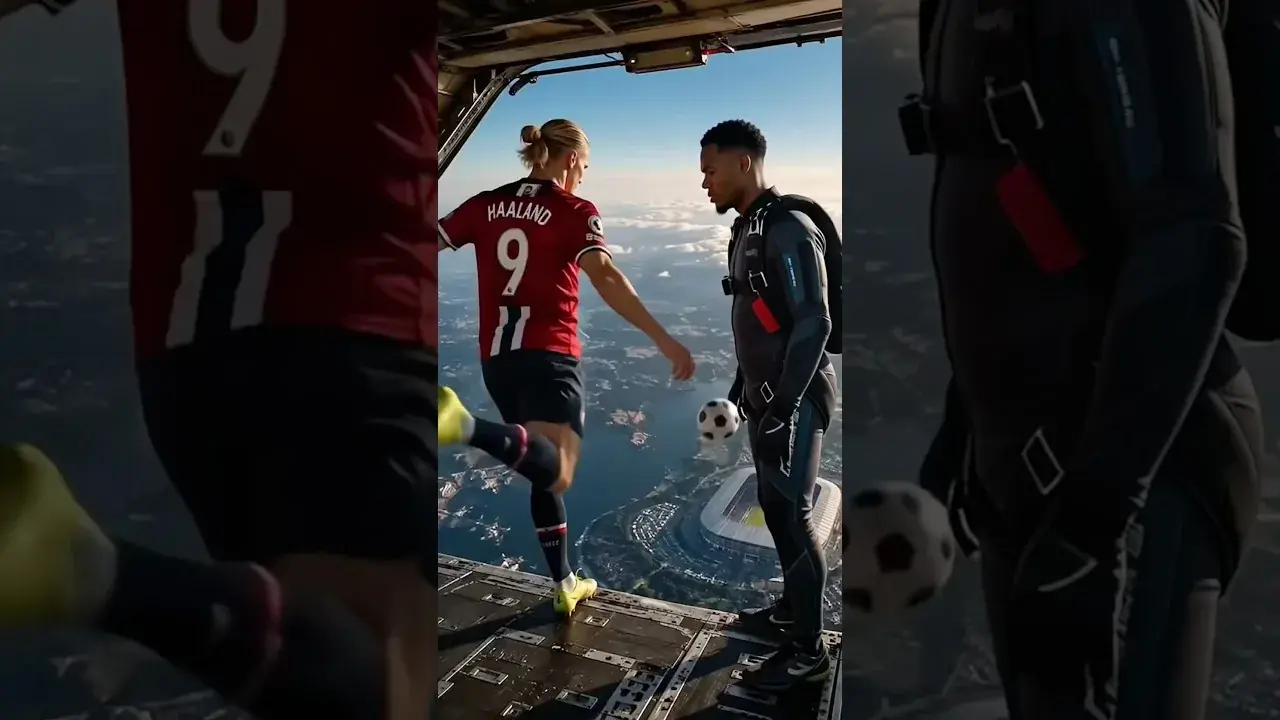
Dreamina AI Prompt Tips for Better Results Every Time
Prompt craft for Dreamina AI images and video: ordering, specificity, negative guidance, style anchoring, and the iteration notebook that compounds skill.
Read More →
Image-to-Video in Dreamina AI: Animate Your Photos
Turn still photos into moving clips in Dreamina AI: which photos animate well, describing motion, keeping faces stable, and creative uses that work.
Read More →
Dreamina AI Canvas and Editing Tools Guide
Use the canvas editor in Dreamina AI: expand images, retouch regions, remove distractions, and blend generations into finished compositions.
Read More →
How to Upscale and Enhance Images in Dreamina AI
Upscale AI images for print and large screens: what enhancement can and cannot add, preparing files, checking results, and avoiding plastic over-processing.
Read More →
Dreamina AI for Social Media Creators: A Practical Workflow
A creator's workflow for Dreamina AI: series planning, covers that earn clicks, animated posts from stills, and batching a week of content in one sitting.
Read More →
Dreamina AI Credits Explained Simply
How credits work in AI generation apps like Dreamina AI: what consumes them, why video costs more than images, and habits that stretch a balance.
Read More →
Dreamina AI Video Not Generating? Fixes That Work
When Dreamina AI video generation fails, stalls, or returns errors: queue and connection checks, prompt causes, credit checks, and when to simply retry.
Read More →
Dreamina AI vs CapCut: Which Should You Use?
Dreamina AI generates footage; CapCut edits it. An honest comparison of generation versus editing, and the workflow that uses both in sequence.
Read More →
Product and Marketing Visuals With Dreamina AI
Create product and marketing visuals with Dreamina AI: hero images, lifestyle scenes, animated listings, and the honesty rules for commercial work.
Read More →
Dreamina AI on Low-End Phones: What to Expect
Use Dreamina AI on a budget Android phone: what runs on the service, what taxes your device, data and storage habits, and settings for smooth sessions.
Read More →
How to Install Dreamina AI on Android Phones and Tablets
Learn how to install Dreamina AI on Android with simple steps, setup tips, and common checks before opening the app for the first time.
Read More →
Dreamina AI Features Guide for Android Users
Explore the main Dreamina AI features on Android, including prompt-based creation, image editing, and practical creative uses.
Read More →
Dreamina AI Device Compatibility Guide for Android Users
Find out which Android devices are best suited for Dreamina AI and what to check before installing the app on phones or tablets.
Read More →
Core Creative Functions in Dreamina AI Explained
Understand the main creative functions in Dreamina AI, from text prompts and image editing to visual drafting and design-focused use.
Read More →
Dreamina AI Not Working Common Problems and Fixes
Learn the common Dreamina AI problems on Android and the simple fixes that can help with installation, loading, and basic app performance.
Read More →
Best Ways to Use Dreamina AI on Mobile More Effectively
Discover practical ways to use Dreamina AI on mobile for better prompts, cleaner workflows, and more useful creative results.
Read More →